Brave Browser for Business: Why Privacy-First Browsing Matters (and What to Use Instead of Chrome)
In the ever-evolving digital workplace, every tool you use has an impact - on your business’s security, your team’s productivity, and your own peace of mind. The humble browser is no exception. In fact, the browser you choose is now central to how protected, efficient, and distraction-free your day can be.
What’s Wrong With Chrome (and Most Traditional Browsers)?
Chrome is everywhere, widely supported, and familiar. But for small teams, consultants, or operations leads handling sensitive info daily, Chrome’s appetite for collecting data is well known. Advertisers and trackers get far too much insight into your habits. Long sessions eat up RAM, battery, and sometimes, your composure—especially as add-ons build up over time. Business workflows that need clarity, privacy, and quiet can end up mired in pop-ups, background processes, and unnecessary risk.
Enter Brave: The Calm, Secure Alternative
Brave is a modern browser built to prioritise privacy and speed from the very start. Here’s why it’s become the standard in my consultancy, and why I now recommend it for any security-conscious business or professional:
Key Features at a Glance
| Feature | Benefit |
|---|---|
| Tracker and ad blocking | Less distraction, faster and quieter browsing |
| Shields | Granular control of what gets blocked on any site |
| Chrome extension support | Full compatibility with your favourite tools |
| Built-in HTTPS upgrade | Forces sites to use secure connections |
| Private browsing with Tor | Additional anonymity for confidential research |
| Low resource usage | Runs cooler and smoother than Chrome |
| One-click migration | Bookmarks, logins, extensions transfer easily |
How to Switch to Brave: The Migration Is Effortless
Download Brave from the official website (https://brave.com).
Install and open Brave.
On first launch, choose to import your bookmarks, browsing history, passwords, and even extensions directly from Chrome (or another browser).
Check your extensions: All your usual tools—Airtable, Metricool, AI plugins—can be added via the Chrome Web Store.
Sync across devices: Brave Sync lets you keep bookmarks and settings consistent on all your work machines.
Customise Shields and settings for your preferred balance of privacy and smooth workflow.
Ready! Continue working as before, with less noise and more privacy.
Alternatives: How Other Browsers Compare
Choosing a browser is not just about speed. Every option has strengths and trade-offs. Here’s how the main alternatives stack up:
| Browser | Privacy | Resource Usage | Key Strengths | Key Drawbacks |
|---|---|---|---|---|
| Brave | Excellent | Light | Blocks ads/trackers by default, Chrome extension support | Newer, some sites misidentify agent |
| Firefox | High | Moderate | Customisable privacy, Open-source | Slightly higher RAM on many tabs |
| LibreWolf | Very High | Light | Hardened for privacy, forks Firefox | May break some websites or features |
| Edge | Moderate | Moderate | Fast, integrates with Microsoft tools | Microsoft data collection, more ads |
| Safari | High | Light | Best for Mac battery, smooth UX | Mac/iOS only, limited extension pool |
| Chrome | Low | Heavy | Compatibility, cloud sync, wide support | Trackers, ads, high resource usage |
| Opera | Moderate | Light | Fast, built-in VPN/ad blocking | Owned by adtech, not open-source |
Worth noting:
Firefox is excellent for those wanting an open-source, customisable browser with privacy focus, though it can be slightly heavier on memory under load.
LibreWolf is ideal for privacy extremes, but less forgiving on everyday sites and business workflows.
Edge and Opera are less recommendable for highly privacy-focused businesses.
The Dual-Browser Approach
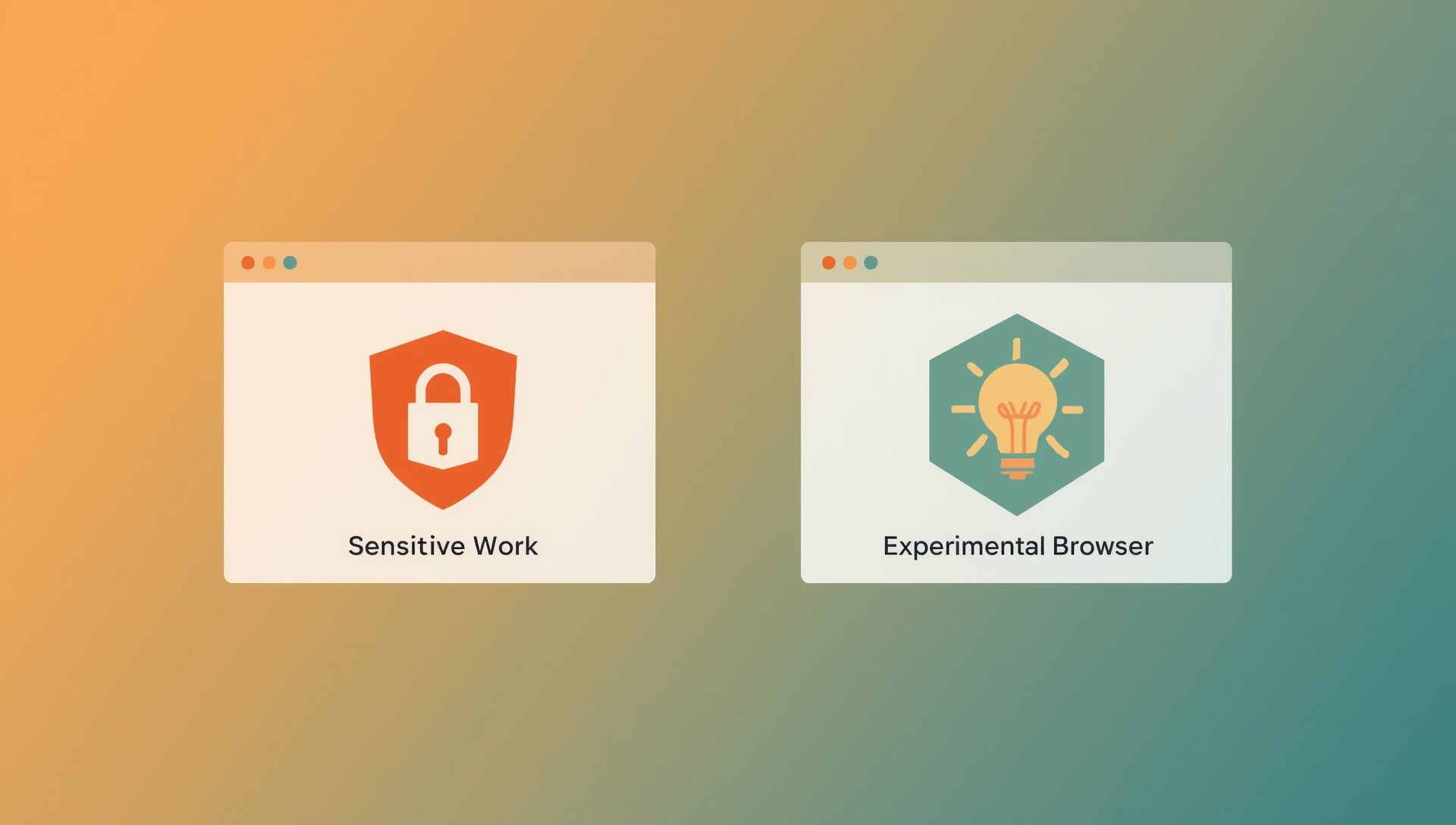
Separate sensitive work from creative research with dedicated browsers for each workflow.
Security best practice now encourages a “dual-browser” workflow:
Use Brave for any work involving sensitive logins, payments, or client data.
Reserve experimental or AI-driven browsers (such as Comet or ChatGPT Atlas) for creative projects or research tasks where you do not store credentials or confidential documents.
This approach benefits from both innovation and robust security, without the risk of mixing sensitive and non-sensitive workflows.
Why Choose Brave for Business?
For boutique agencies, consultants, and in-house teams alike, Brave strikes the balance between familiarity (with Chrome compatibility), true privacy, and a calmer workflow. It reduces digital noise and background risk—leaving you with a browser that just works.
If you want to make your operations smoother, more private, and more resilient to today’s digital risks, consider making Brave your business default.
Want smarter workflow tips and digital shortcuts delivered occasionally?
Sign up for the Sophie’s Bureau newsletter - practical advice, workflow templates, and a sprinkle of digital calm straight to your inbox.